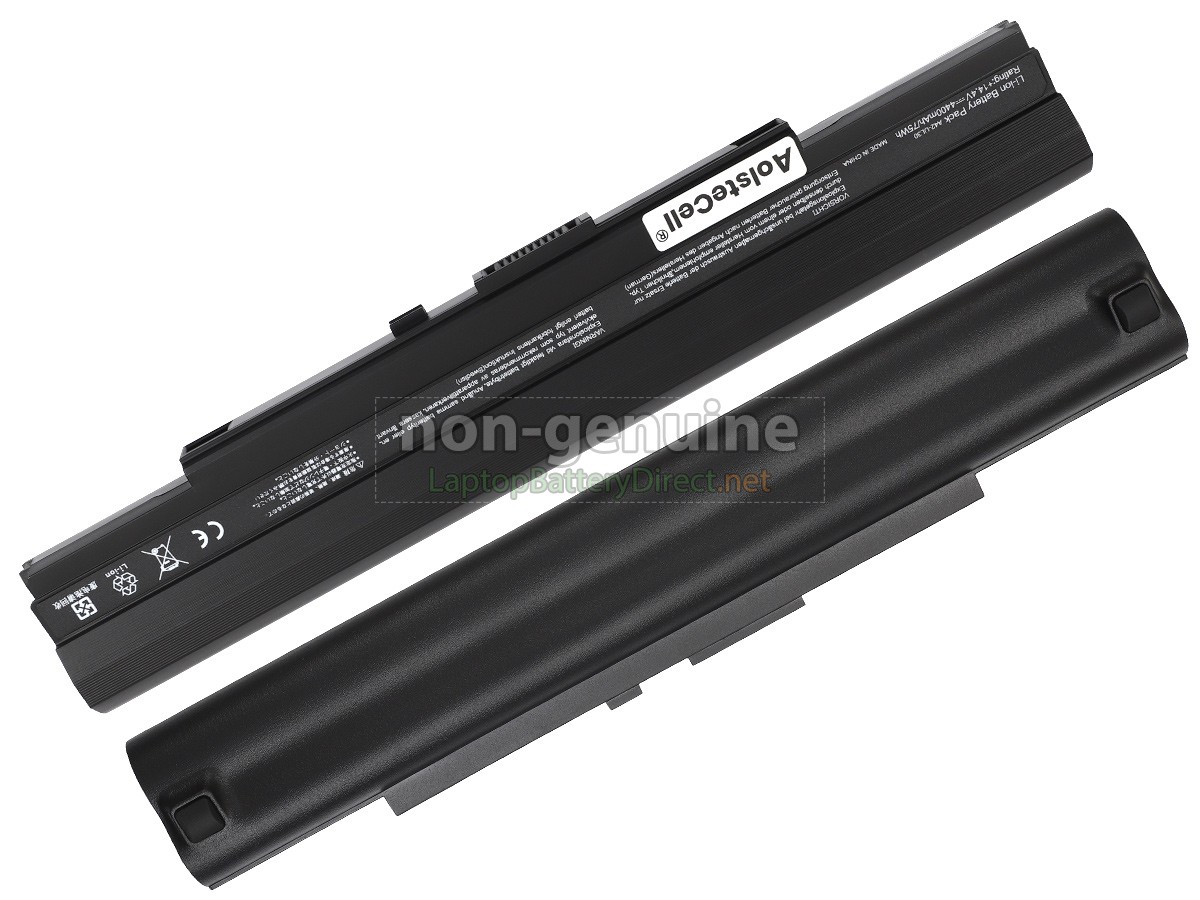
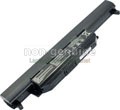
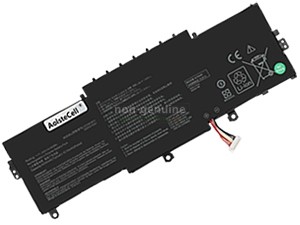
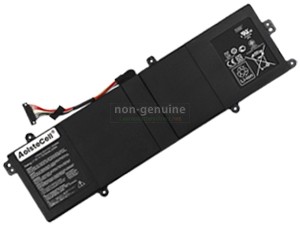
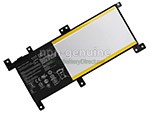
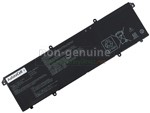
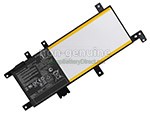
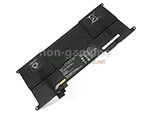
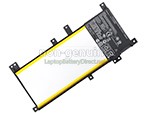
High Quality Replacement Battery for Asus UL80VT (4400mAh, 8 cells)
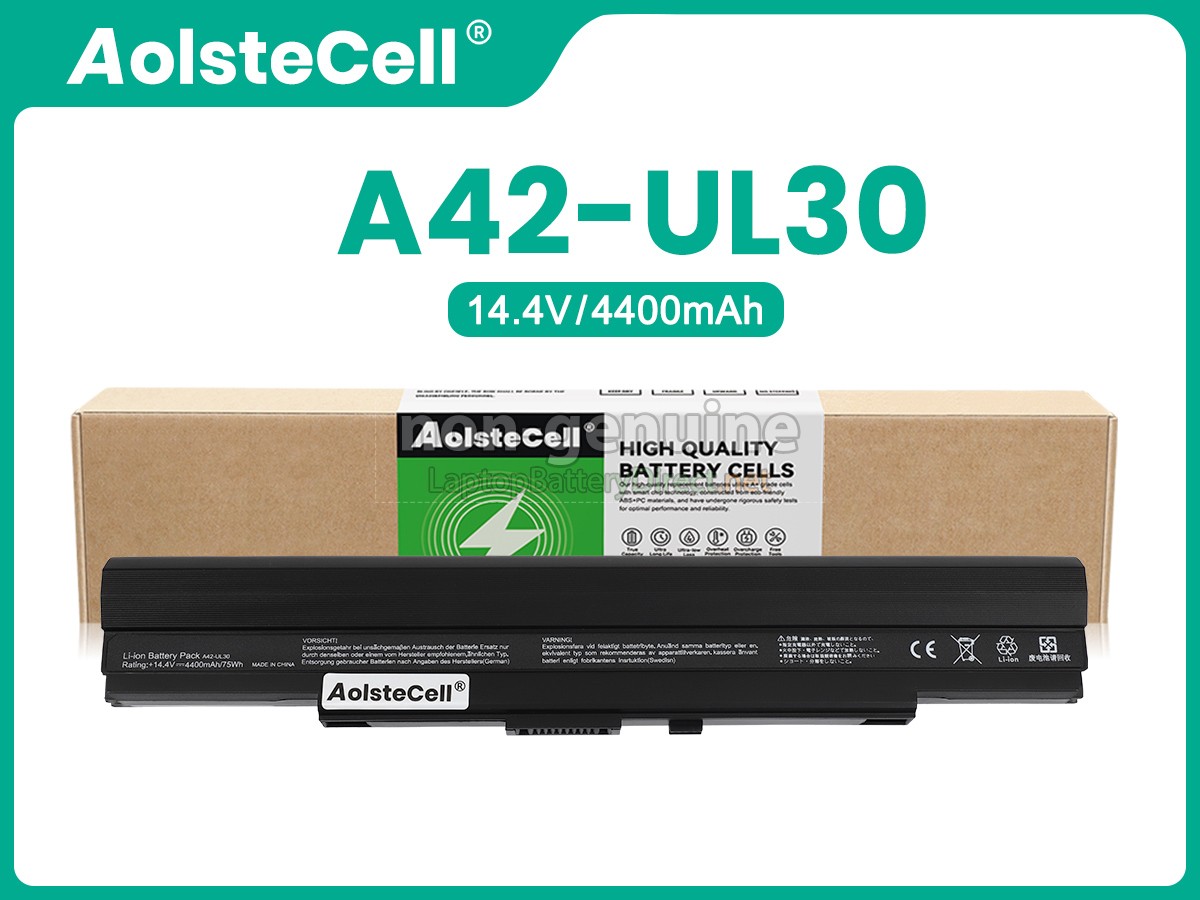
replacement Asus UL80VT battery
replacement Asus UL80VT batteryreplacement Asus UL80VT batteryreplacement Asus UL80VT batteryreplacement Asus UL80VT batteryreplacement Asus UL80VT batteryreplacement Asus UL80VT battery
    Specification
  • SKULPD577
  • ConditionReplacement, Brand New
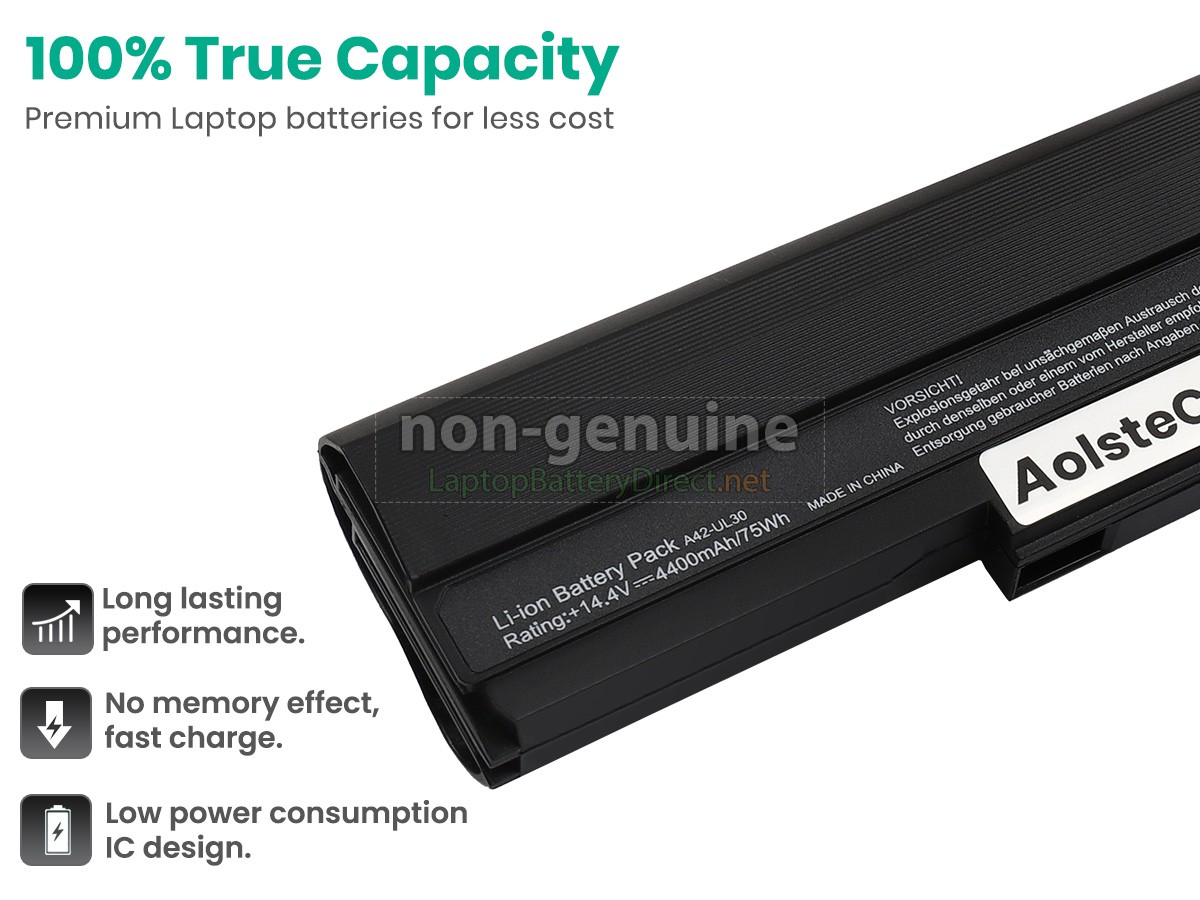
  • Voltage14.4V
  • Capacity4400mAh
  • Number of Cells8 cells
  • Cell TypeLi-ion
  • ColorBlack
  • Size273.61x47.81x21.91mm(L x W x H)
  • Warranty1 Year
  • AvailabilityIn Stock
Note : 1. 14.4V and 14.8V are compatible, they are in common use.
The 14.4V 4400mAh(8 cells) Asus UL80VT laptop battery is made of high-quality lithium-ion battery cells, which has been tested to be brand new and totally compatible with the original manufacturer specifications, meets or even exceeds the original battery performance. With high-quality battery cells and materials, your laptop will run longer and more secure. Moreover, this battery has no "memory effect" and you don’t need to discharge before each charge. It is more convenient for you to use our replacement Asus UL80VT batteries.
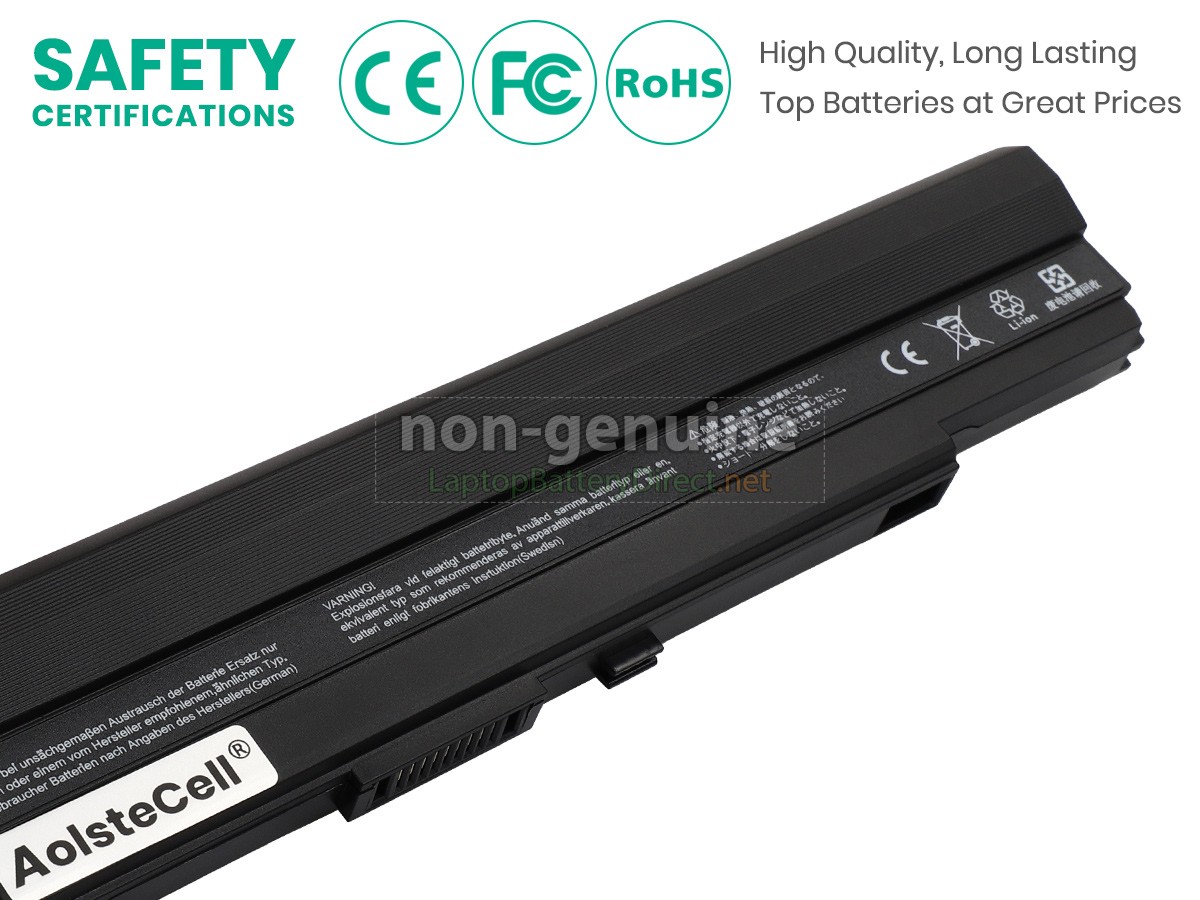
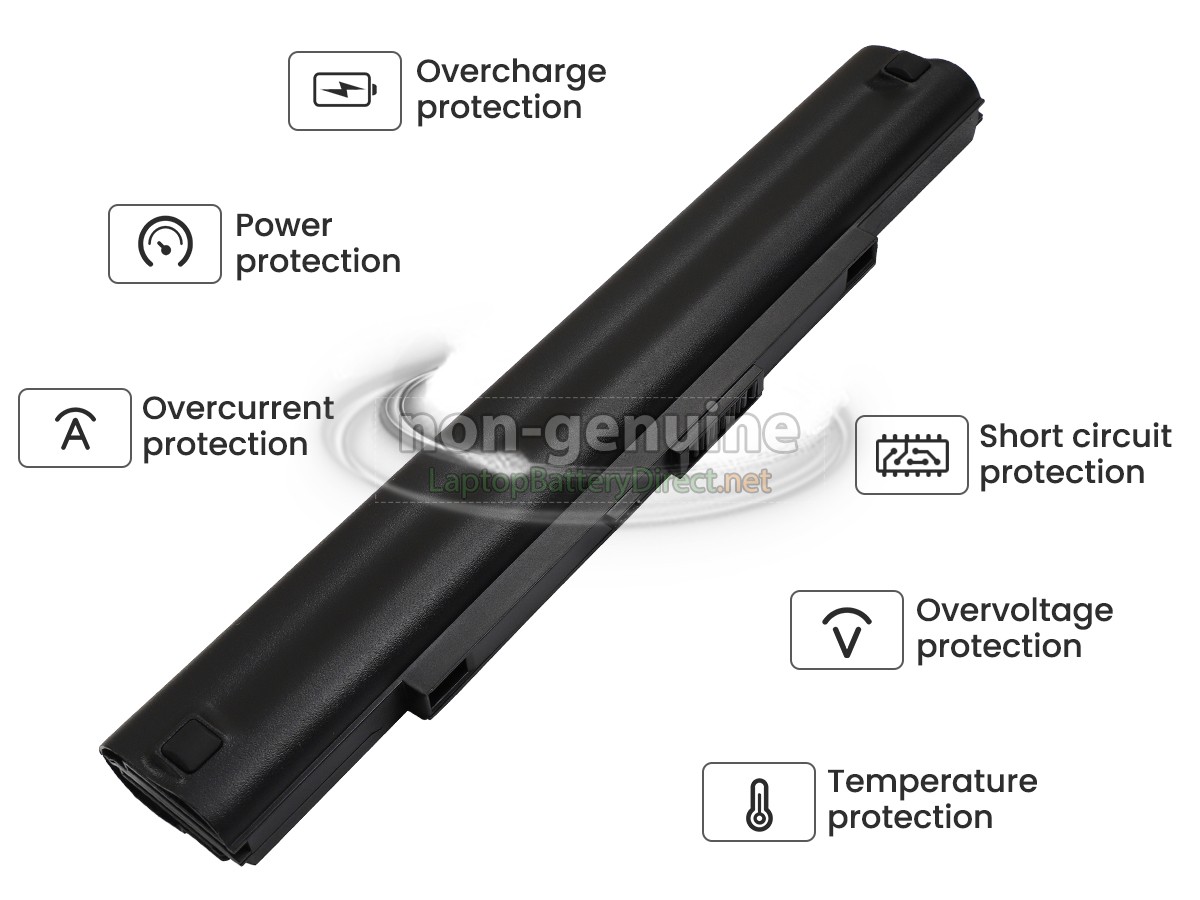
Our Asus UL80VT laptop battery which we design is in strict accordance with the highest control standards. It carries with a smart interior circuit board that provides battery-unbalanced-shut-off protection, thermal runaway protection, overcharged protection, over-discharged-shut-off protection, and high/low-temperature-shut-off protection. Asus UL80VT notebook battery is made of environmentally friendly materials, without lead and mercury. It is certified as a safe and reliable product through a series of rigorous tests on the Asus examine system.
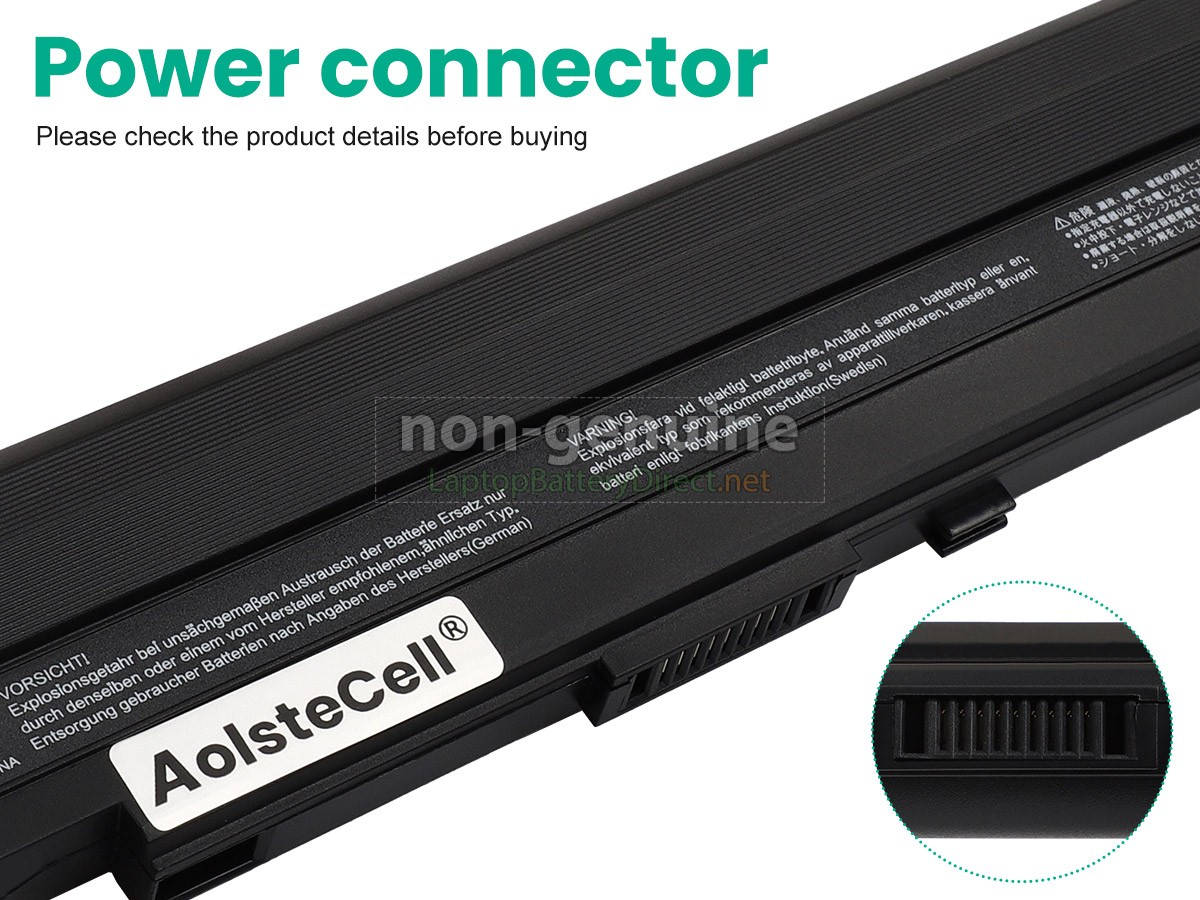
Thank you for shopping the Asus UL80VT replacement battery at LaptopBatteryDirect.net. Our batteries are packed in cartons with anti-static bags and anti-pressure sponges to effectively protect the batteries in transit. We have a rigorous inspection process to ensure that your order (e.g. Asus UL80VT replacement battery) is perfectly functional before shipping to you. Before placing an order, you'd better look at our battery from following pictures and check if it is the same as your original one. Please make sure that you pick out the correct battery to avoid ordering mistakenly.

Product Larger Images

Shipping Methods

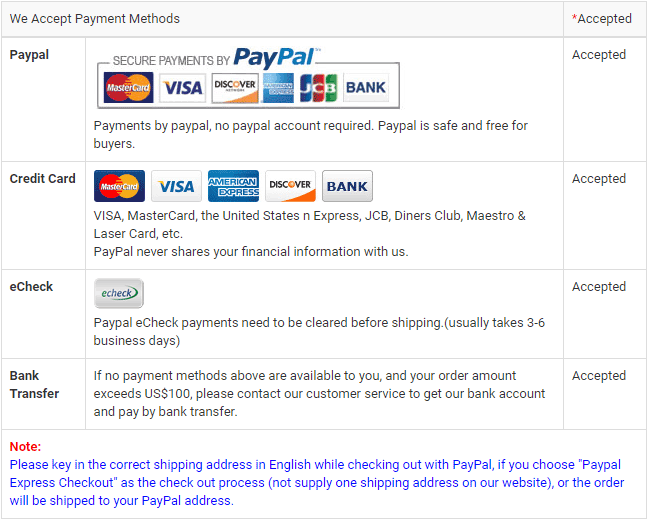
Payment Methods

payment methods

Warranty

1-Year Warranty
We offer Full 1 Year Warranty on our Asus UL80VT laptop battery. Warranty is applicable if the buyer has installed the battery properly on the device and has treated the battery correctly.

30-Day Money Back Guarantee
30 Day Money Back Guarantee if you are not satisfied with our Asus UL80VT notebook battery. We will check all functions of our all products before delivery.
Please note: in order to qualify to get your money back, you must first contact us and await instructions before sending back your product.

Returns

If there is any problem with the battery you purchased from us, please contact us first. We will proceed your request and seek solutions to your problem. If our technical engineers cannot solve the problem, we will generate the RMA number for you (Return Merchandise Authorization) so that you can return the battery to us. If test result indicates that the returned battery is defective, we will bear the shipping cost of the battery.
Please note: we cannot process returned batteries if you have not yet received an RMA number.

FAQs

Q: How do I select the right replacement battery for my laptop?

A: First of all, you need to assure the model of your laptop or the part number of your laptop battery. Then look for the battery you need at laptopbatterydirect.net. Finally, you can check whether the battery you find is compatible with your laptop or not on the "Compatibility" table (for example, Asus UL80VT). If you don't know how to find the right battery for your laptop, you can click How to find one correct battery for my laptop? for more details. Moreover, you can click the icon "Live Chat" on the right of this page to ask us.

Q: How to charge the Asus UL80VT laptop battery properly?

A: You should charge the replacement battery for Asus UL80VT laptop before the battery exhaustively discharged, otherwise it will shorten its life. It is feasible to charge the laptop battery before the power is less than 20%. Meanwhile, the battery should be charged in a dry place, and please pay attention to high temperature, which is the biggest threat to battery life.

Q: How to deal with the replacement battery for Asus UL80VT when you won't use for a long time?

A: If you let your Asus UL80VT laptop battery lay idle for a long time, please charge the laptop battery or discharge to about 40%, and then put it in a dry and cool place to save. Indoor temperature is best maintained at 15 to 25 degrees Celsius because the temperature is easy to accelerate the battery aging either too high or too low. You'd better fully charge and discharge the battery at least once a month. Finally please save it in accordance with the above method.

Q: How to replace your Asus UL80VT Laptop Battery?

1Turn off your Asus UL80VT laptop and disconnect the AC adapter.
2Release the latch or other attachment devices that hold your battery in place.
3Slide the old battery out of its compartment or storage bay
4Take the replacement battery for Asus UL80VT laptop out of the box.
5Slide it into the notch or bay.
6Close the safety latch to lock it into place.
7Reconnect the AC adapter and give the new battery for your Asus UL80VT notebook a full charge.

Best Selling Batteries
Customers also viewed these products

Battery for HP Mini 1099ed Vivienne Tam EditionBattery for HP Mini 1099ea Vivienne Tam EditionBattery for Dell Latitude E4400Battery for HP Mini 1140NR Vivienne Tam EditionBattery for HP Mini 1199ea Vivienne Tam EditionBattery for HP Mini 1018TU Vivienne Tam EditionBattery for HP Mini 1199eq Vivienne Tam EditionBattery for HP Pavilion DV6-6192sfBattery for HP Mini 1020TU Vivienne Tam EditionBattery for HP Mini 1141NR Vivienne Tam EditionBattery for Dell Latitude E4300NBattery for HP Pavilion DV6-6199SEBattery for HP Pavilion DV6-6199txBattery for Compaq NE570PARBattery for HP Mini 1099ei Vivienne Tam EditionBattery for HP Mini 1098ei Vivienne Tam EditionBattery for HP Mini 1199EJ Vivienne Tam EditionBattery for HP Mini 1100 CTOBattery for HP Mini 1099ee Vivienne Tam EditionBattery for Compaq NE570PABattery for HP Mini 1198eo Vivienne Tam EditionBattery for HP Mini 1099el Vivienne Tam EditionBattery for HP Mini 1199ee Vivienne Tam EditionBattery for Dell Latitude E4320Battery for HP Mini 1111TU Vivienne Tam EditionBattery for HP Mini 1199EZ Vivienne Tam EditionBattery for HP Mini 1097ei Vivienne Tam EditionBattery for HP Mini 1199et Vivienne Tam EditionBattery for HP Mini 1199ER Vivienne Tam EditionBattery for HP Mini 1000 Mi EditionBattery for HP Mini 1000 Mobile BroadbandBattery for HP Mini 1199eh Vivienne Tam EditionBattery for HP Mini 1019TU Vivienne Tam EditionBattery for HP Mini 1099eg Vivienne Tam EditionBattery for HP Mini 1000 Vivienne Tam EditionBattery for HP Mini 1099ek Vivienne Tam Edition