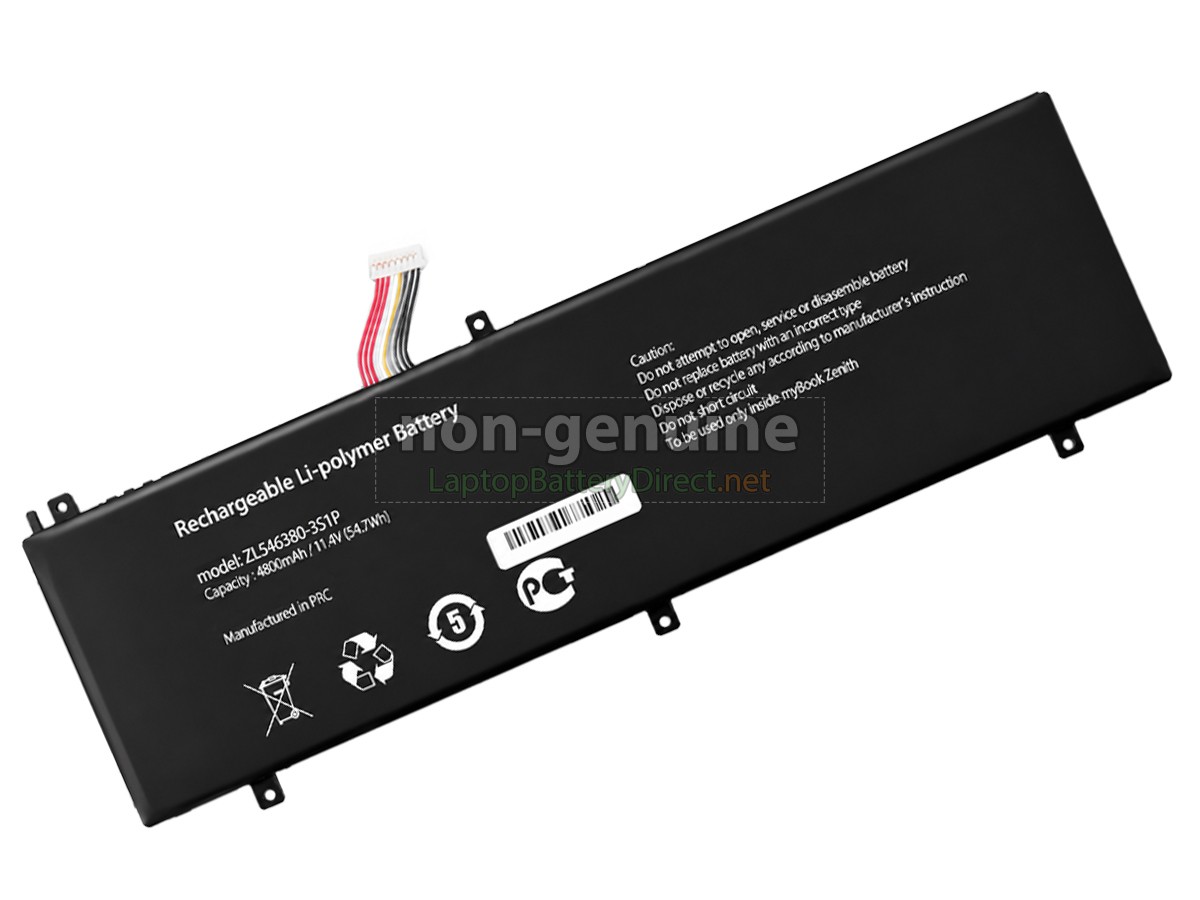
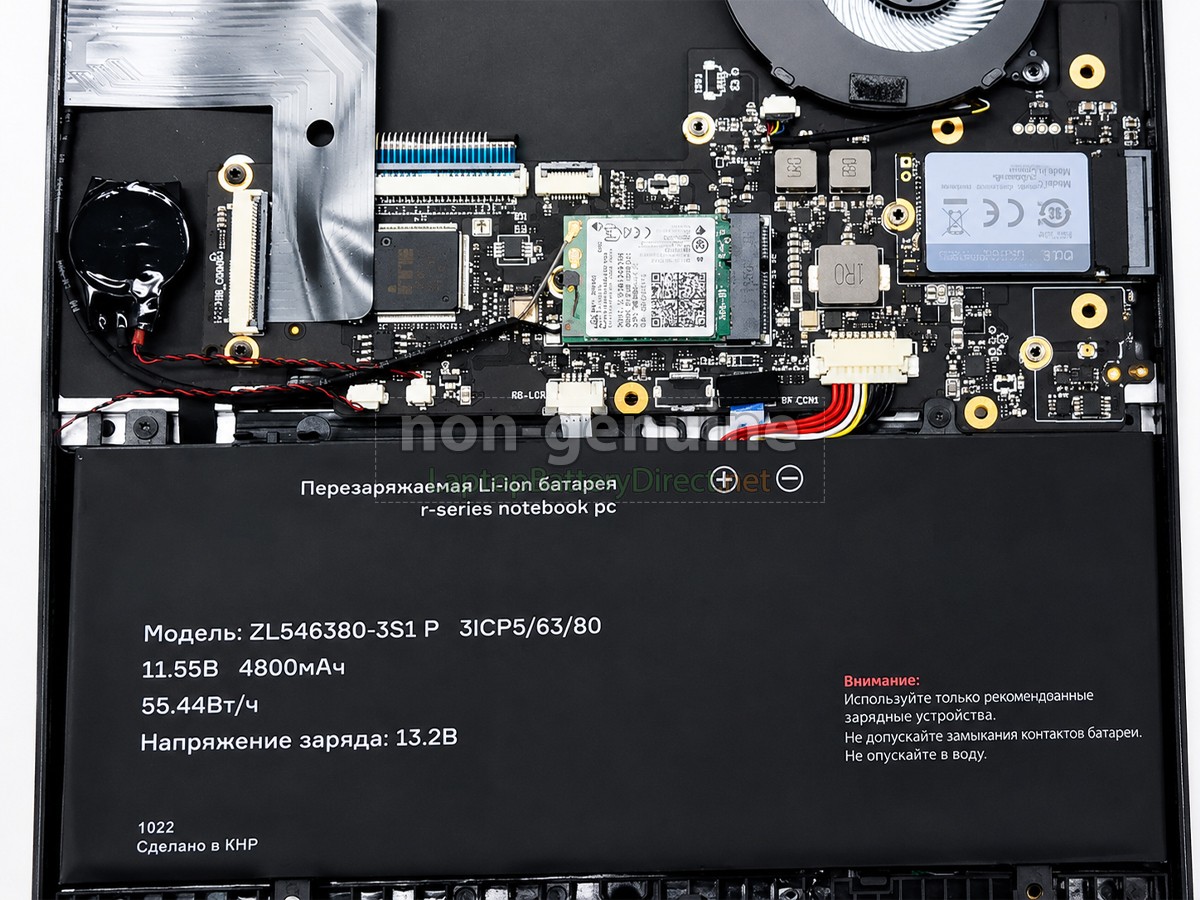
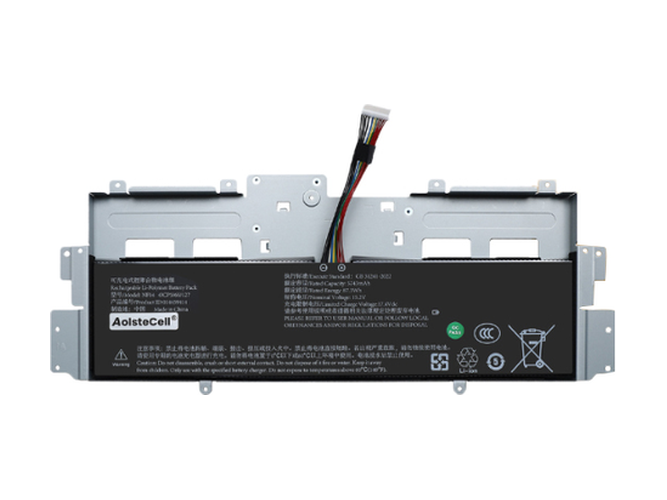
High Quality Replacement Battery for AolsteCell ZL546380-3S1P (4800mAh, 3 cells)
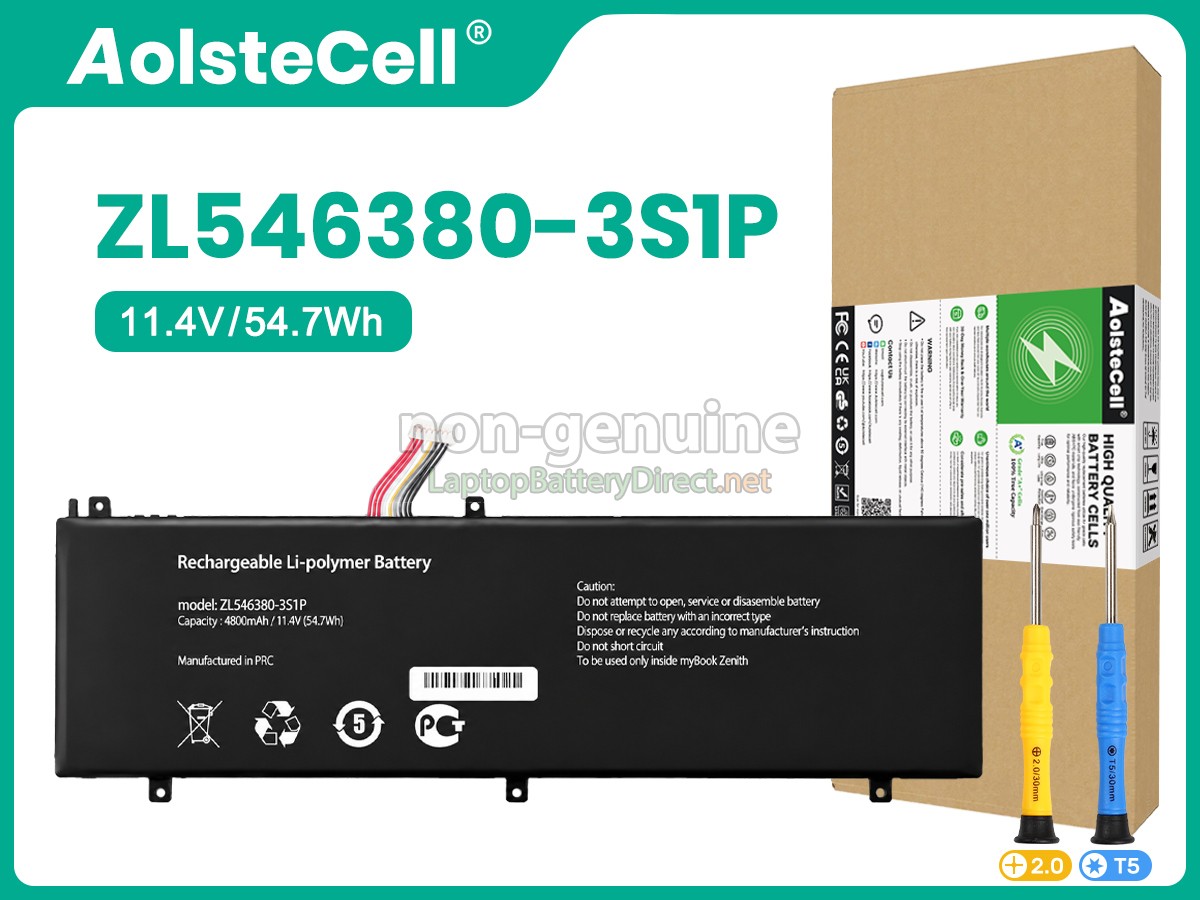
replacement AolsteCell ZL546380-3S1P battery
replacement AolsteCell ZL546380-3S1P batteryreplacement AolsteCell ZL546380-3S1P batteryreplacement AolsteCell ZL546380-3S1P batteryreplacement AolsteCell ZL546380-3S1P battery
    Specification
  • SKULPD13296
  • ConditionReplacement, Brand New
  • Voltage11.4V
  • Capacity4800mAh
  • Number of Cells3 cells
  • Cell TypeLi-Polymer
  • ColorBlack
  • Size*mm(L x W x H)
  • Warranty1 Year
  • AvailabilityIn Stock
Note : 10.8V and 11.1V are compatible, they are in common use.
The 11.4V 4800mAh(3 cells) AolsteCell ZL546380-3S1P laptop battery is made of high-quality lithium-ion battery cells, which has been tested to be brand new and totally compatible with the original manufacturer specifications, meets or even exceeds the original battery performance. With high-quality battery cells and materials, your laptop will run longer and more secure. Moreover, this battery has no "memory effect" and you don’t need to discharge before each charge. It is more convenient for you to use our replacement AolsteCell ZL546380-3S1P batteries.
Our AolsteCell ZL546380-3S1P laptop battery which we design is in strict accordance with the highest control standards. It carries with a smart interior circuit board that provides battery-unbalanced-shut-off protection, thermal runaway protection, overcharged protection, over-discharged-shut-off protection, and high/low-temperature-shut-off protection. AolsteCell ZL546380-3S1P notebook battery is made of environmentally friendly materials, without lead and mercury. It is certified as a safe and reliable product through a series of rigorous tests on the AolsteCell examine system.
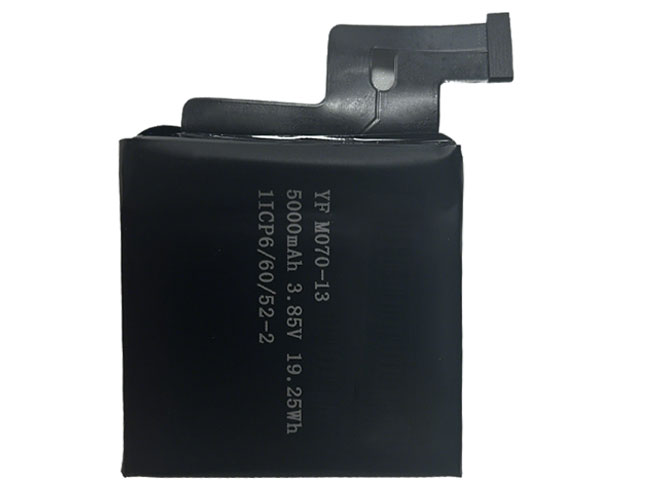
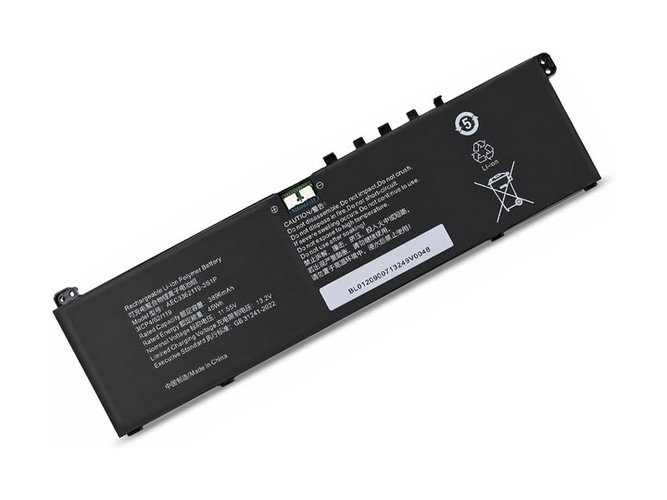
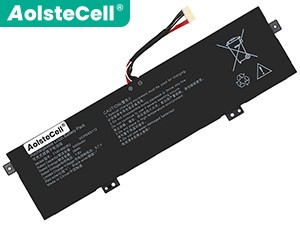
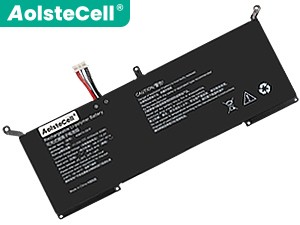
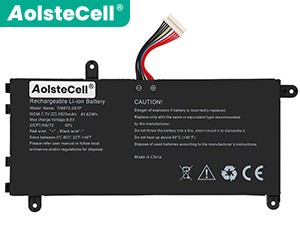
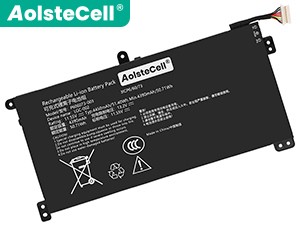
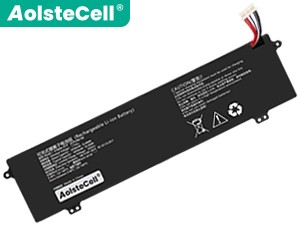
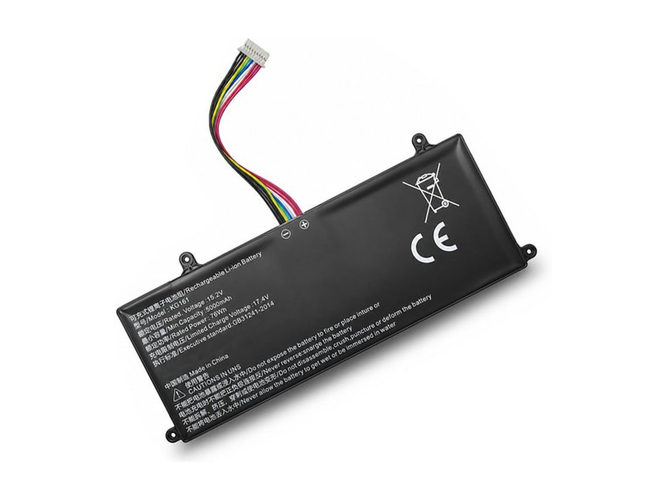
Thank you for shopping the AolsteCell ZL546380-3S1P replacement battery at LaptopBatteryDirect.net. Our batteries are packed in cartons with anti-static bags and anti-pressure sponges to effectively protect the batteries in transit. We have a rigorous inspection process to ensure that your order (e.g. AolsteCell ZL546380-3S1P replacement battery) is perfectly functional before shipping to you. Before placing an order, you'd better look at our battery from following pictures and check if it is the same as your original one. Please make sure that you pick out the correct battery to avoid ordering mistakenly.

Product Larger Images

Compatible AolsteCell Part Numbers

  • ZL546380-3S1P

Compatible AolsteCell Laptop Models

    Shipping Methods

    Payment Methods
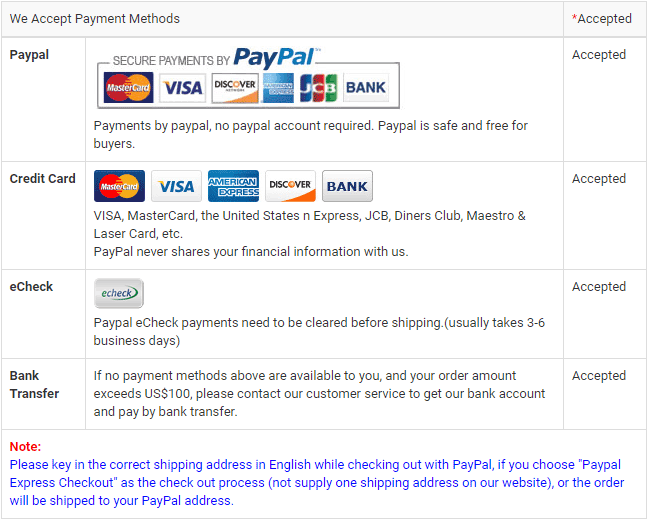
    payment methods

    Warranty

    1-Year Warranty
    We offer Full 1 Year Warranty on our AolsteCell ZL546380-3S1P laptop battery. Warranty is applicable if the buyer has installed the battery properly on the device and has treated the battery correctly.

    30-Day Money Back Guarantee
    30 Day Money Back Guarantee if you are not satisfied with our AolsteCell ZL546380-3S1P notebook battery. We will check all functions of our all products before delivery.
    Please note: in order to qualify to get your money back, you must first contact us and await instructions before sending back your product.

    Returns

    If there is any problem with the battery you purchased from us, please contact us first. We will proceed your request and seek solutions to your problem. If our technical engineers cannot solve the problem, we will generate the RMA number for you (Return Merchandise Authorization) so that you can return the battery to us. If test result indicates that the returned battery is defective, we will bear the shipping cost of the battery.
    Please note: we cannot process returned batteries if you have not yet received an RMA number.

    FAQs

    Q: How do I select the right replacement battery for my laptop?

    A: First of all, you need to assure the model of your laptop or the part number of your laptop battery. Then look for the battery you need at laptopbatterydirect.net. Finally, you can check whether the battery you find is compatible with your laptop or not on the "Compatibility" table (for example, AolsteCell ZL546380-3S1P). If you don't know how to find the right battery for your laptop, you can click How to find one correct battery for my laptop? for more details. Moreover, you can click the icon "Live Chat" on the right of this page to ask us.

    Q: How to charge the AolsteCell ZL546380-3S1P laptop battery properly?

    A: You should charge the replacement battery for AolsteCell ZL546380-3S1P laptop before the battery exhaustively discharged, otherwise it will shorten its life. It is feasible to charge the laptop battery before the power is less than 20%. Meanwhile, the battery should be charged in a dry place, and please pay attention to high temperature, which is the biggest threat to battery life.

    Q: How to deal with the replacement battery for AolsteCell ZL546380-3S1P when you won't use for a long time?

    A: If you let your AolsteCell ZL546380-3S1P laptop battery lay idle for a long time, please charge the laptop battery or discharge to about 40%, and then put it in a dry and cool place to save. Indoor temperature is best maintained at 15 to 25 degrees Celsius because the temperature is easy to accelerate the battery aging either too high or too low. You'd better fully charge and discharge the battery at least once a month. Finally please save it in accordance with the above method.

    Q: How to replace your AolsteCell ZL546380-3S1P Laptop Battery?

    1Turn off your AolsteCell ZL546380-3S1P laptop and disconnect the AC adapter.
    2Release the latch or other attachment devices that hold your battery in place.
    3Slide the old battery out of its compartment or storage bay
    4Take the replacement battery for AolsteCell ZL546380-3S1P laptop out of the box.
    5Slide it into the notch or bay.
    6Close the safety latch to lock it into place.
    7Reconnect the AC adapter and give the new battery for your AolsteCell ZL546380-3S1P notebook a full charge.

    Best Selling Batteries
    Customers also viewed these products

    Battery for Lenovo ThinkPad X1 Yoga Gen 8-21HQ002FCYBattery for Lenovo ThinkPad X1 Yoga Gen 8-21HQ002FPBBattery for Lenovo ThinkPad X1 Yoga Gen 8-21HQ002FEEBattery for Lenovo ThinkPad X1 Yoga Gen 8-21HQ002FGPBattery for Lenovo ThinkPad X1 Yoga Gen 8-21HQ002FHVBattery for Lenovo ThinkPad X1 Yoga Gen 8-21HQ002FPGBattery for Lenovo ThinkPad X1 Yoga Gen 8-21HQ002GEDBattery for Lenovo ThinkPad X1 Yoga Gen 8-21HQ002GEEBattery for Lenovo ThinkPad X1 Yoga Gen 8-21HQ002GFRBattery for Lenovo ThinkPad X1 Yoga Gen 8-21HQ002FIUBattery for Lenovo ThinkPad X1 Yoga Gen 8-21HQ002FGEBattery for Lenovo ThinkPad X1 Yoga Gen 8-21HQ002FRIBattery for Lenovo ThinkPad X1 Yoga Gen 8-21HQ002FGMBattery for Lenovo ThinkPad X1 Yoga Gen 8-21HQ002FIVBattery for Lenovo ThinkPad X1 Yoga Gen 8-21HQ002FEDBattery for Lenovo ThinkPad X1 Yoga Gen 8-21HQ002FSCBattery for Lenovo ThinkPad X1 Yoga Gen 8-21HQ002FGRBattery for Lenovo ThinkPad X1 Yoga Gen 8-21HQ002GADBattery for Lenovo ThinkPad X1 Yoga Gen 8-21HQ002GCYBattery for Lenovo ThinkPad X1 Yoga Gen 8-21HQ002GATBattery for Lenovo ThinkPad X1 Yoga Gen 8-21HQ002FGQBattery for Lenovo ThinkPad X1 Yoga Gen 8-21HQ002FMBBattery for Lenovo ThinkPad X1 Yoga Gen 8-21HQ002FSPBattery for Lenovo ThinkPad X1 Yoga Gen 8-21HQ002FCKBattery for Lenovo ThinkPad X1 Yoga Gen 8-21HQ002GGEBattery for Lenovo ThinkPad X1 Yoga Gen 8-21HQ002FTXBattery for Lenovo ThinkPad X1 Yoga Gen 8-21HQ002FMNBattery for Lenovo ThinkPad X1 Yoga Gen 8-21HQ002FFRBattery for Lenovo ThinkPad X1 Yoga Gen 8-21HQ002FMLBattery for Lenovo ThinkPad X1 Yoga Gen 8-21HQ002FMSBattery for Lenovo ThinkPad X1 Yoga Gen 8-21HQ002FCXBattery for Lenovo ThinkPad X1 Yoga Gen 8-21HQ002FMHBattery for Lenovo ThinkPad X1 Yoga Gen 8-21HQ002GGBBattery for Lenovo ThinkPad X1 Yoga Gen 8-21HQ002GGMBattery for Lenovo ThinkPad X1 Yoga Gen 8-21HQ002FYABattery for Lenovo ThinkPad X1 Yoga Gen 8-21HQ002FRT