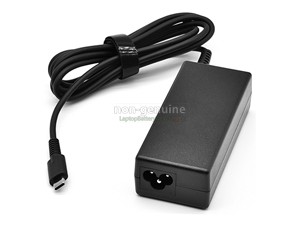
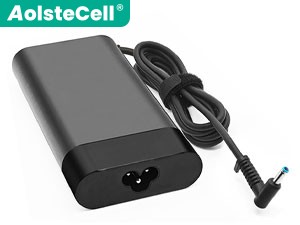
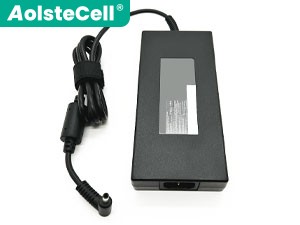
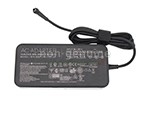
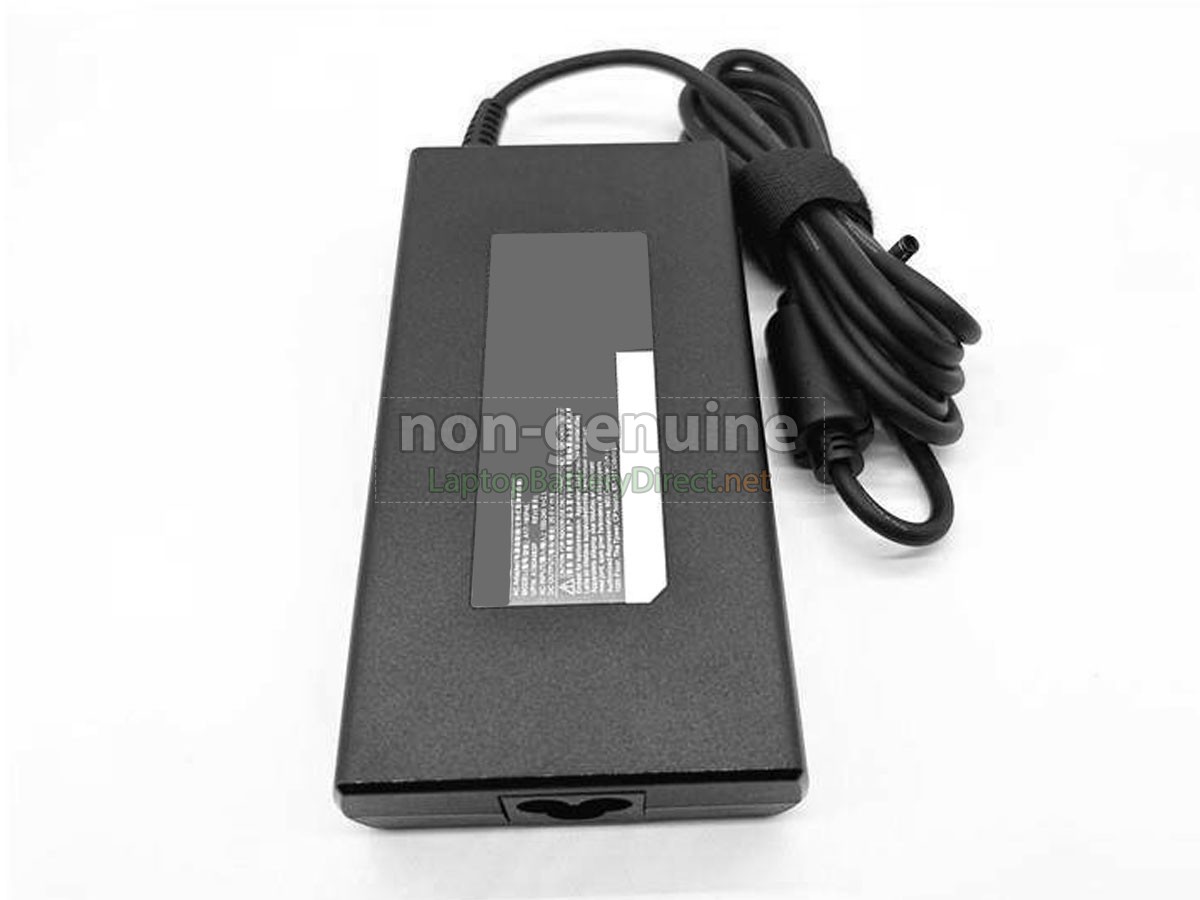
High Quality Replacement Laptop Adapter for MSI Crosshair 17
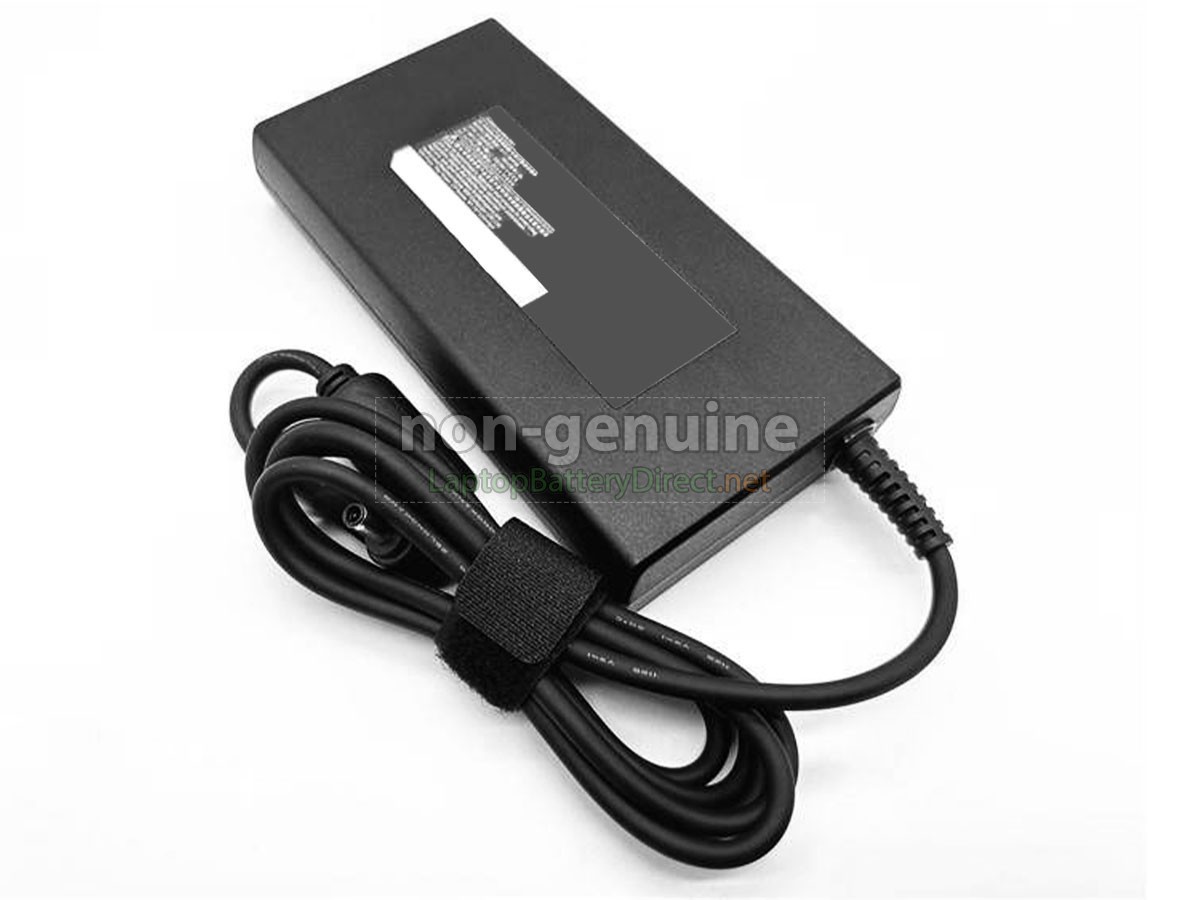
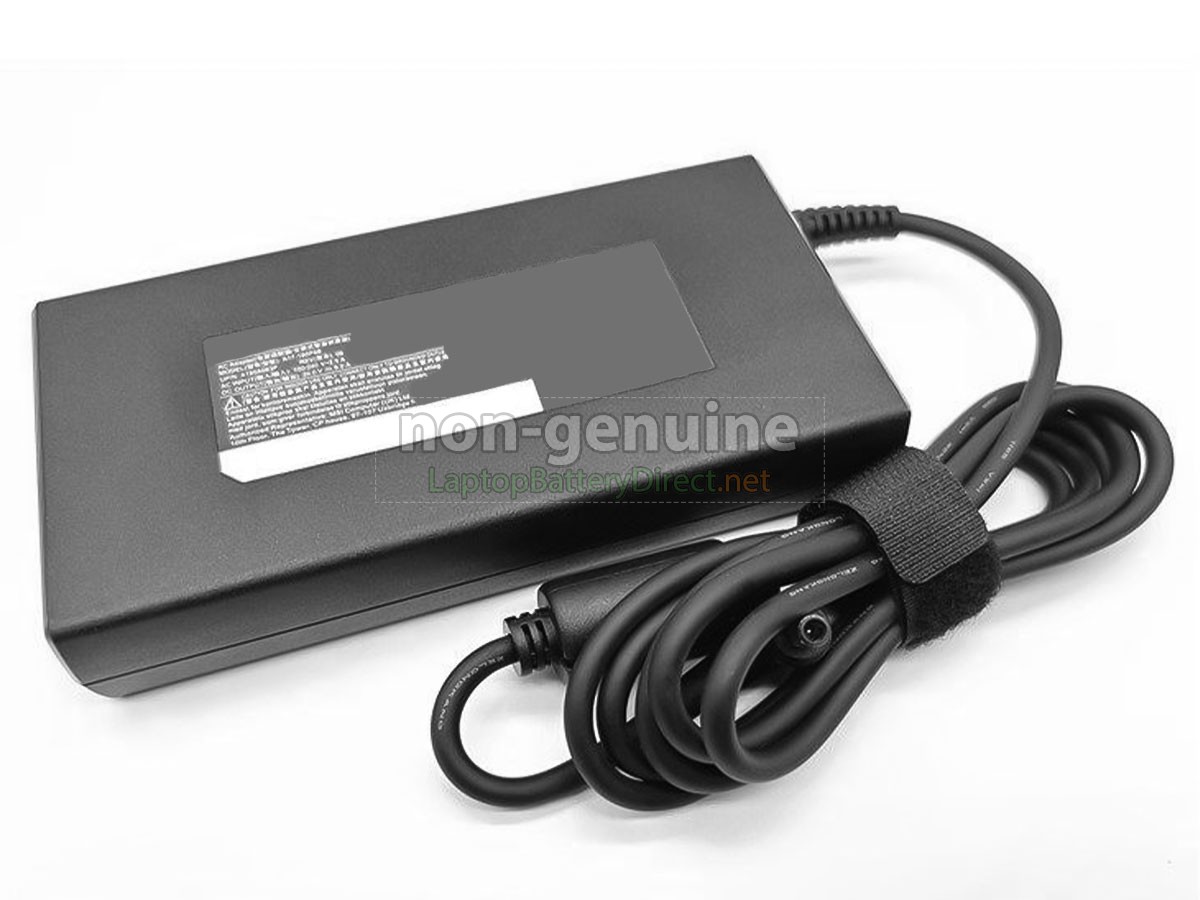
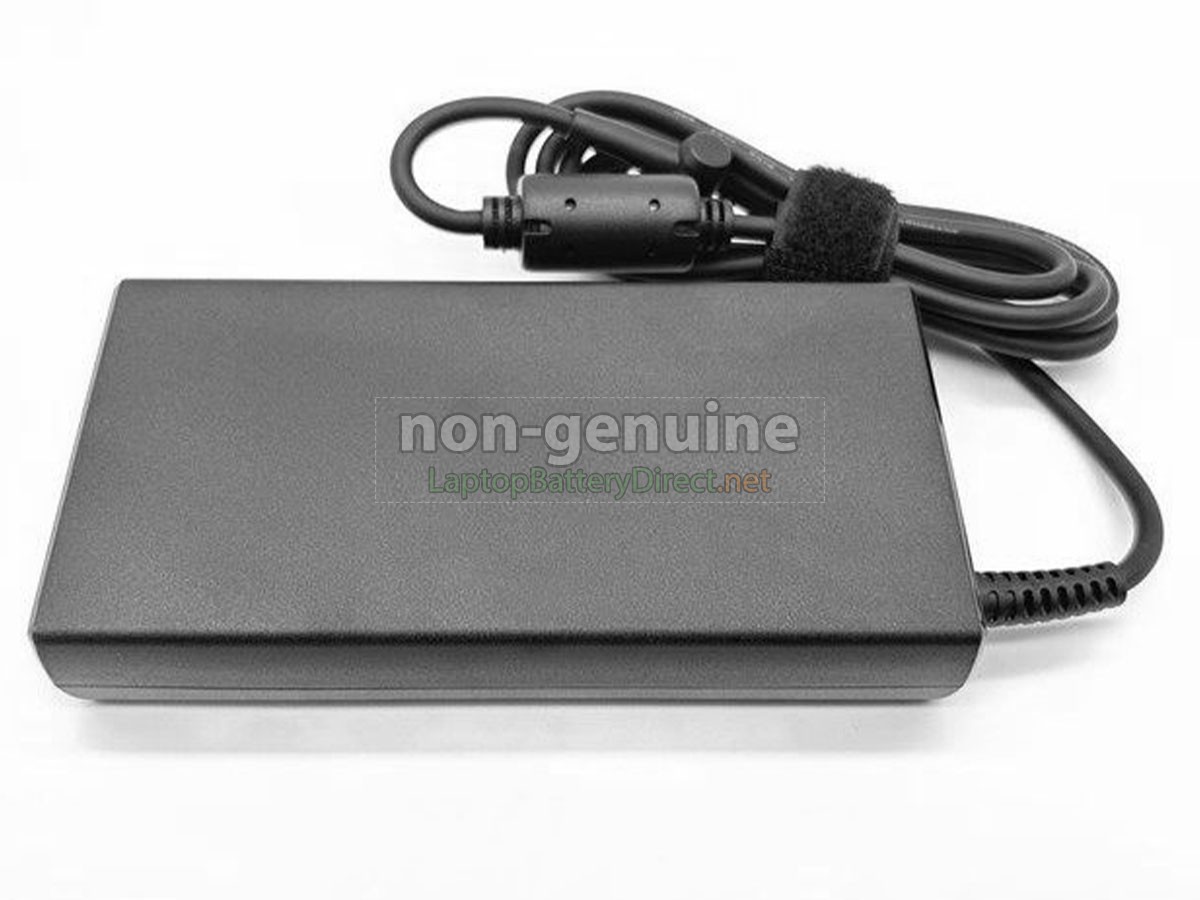
- SKULBDAD468
- ConditionReplacement, Brand New
- Input100-240V~1.5A 50/60Hz
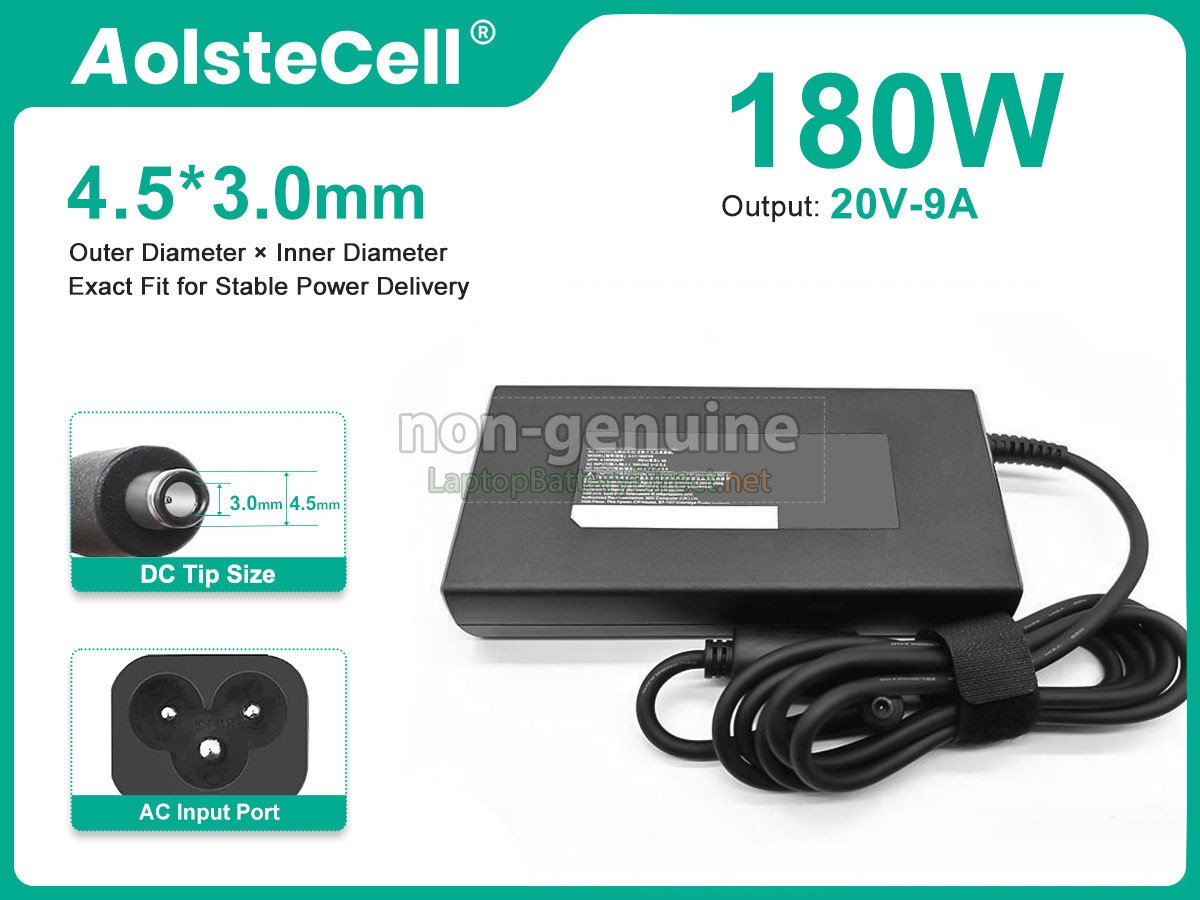
- OutPut20V-9A
- Power180W
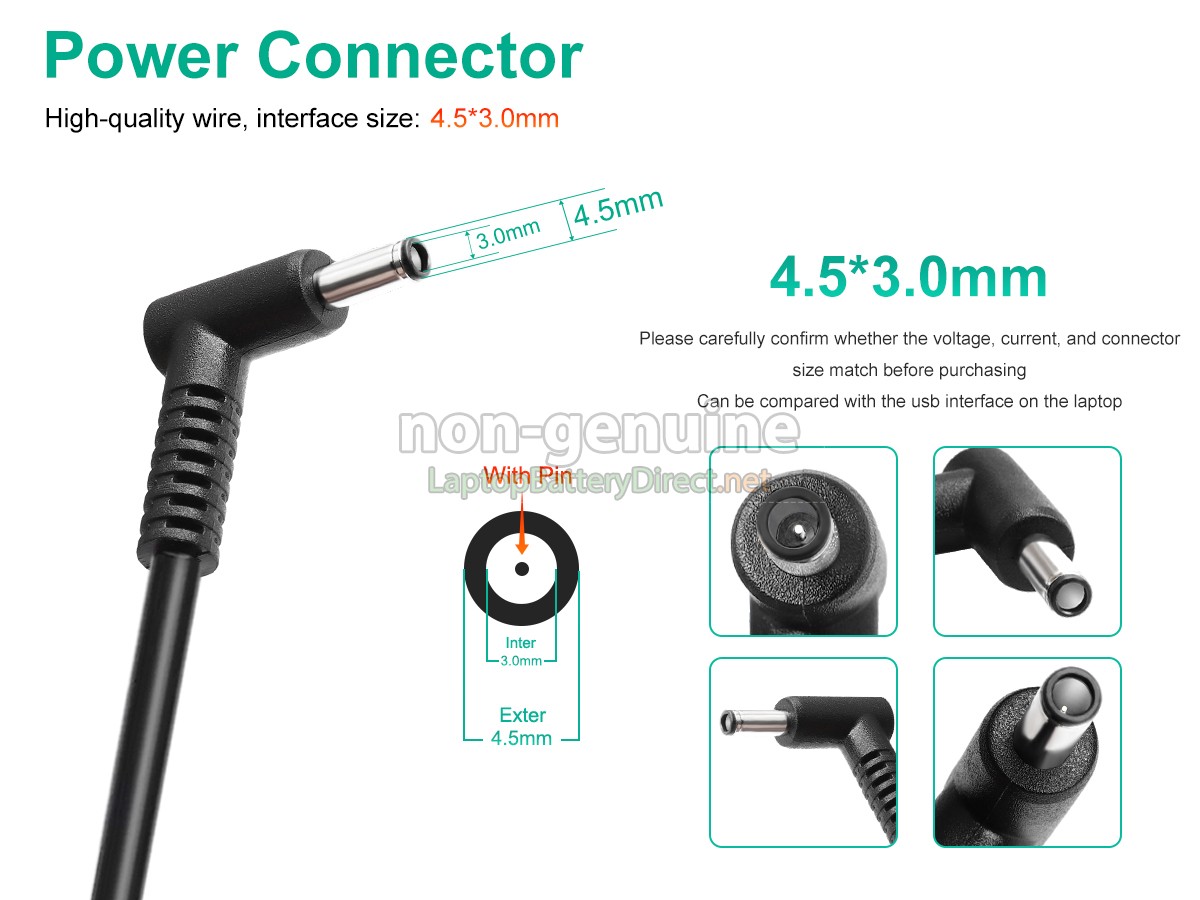
- Connector4.5*3.0mm
- Warranty1 Year
- AvailabilityIn Stock
Specification
Searching for a reliable adapter for your Laptop MSI crosshair-17? Look no further. Our top-quality adapter is engineered to ensure your Laptop stays charged, efficient, and secure.
Why Choose MSI crosshair-17 Adapter?
- 1Universal Compatibility: Designed to work perfectly with various brands, including Dell, HP, Lenovo, ASUS, DJI, and more. No more worrying about whether it fits—this MSI crosshair-17 adapter has you covered.
- 2Rapid Charging: Equipped with advanced technology, it delivers quick and efficient power to your Laptop, reducing downtime and keeping you productive.
- 3Built to Last: Crafted with high-grade materials and integrated safety features like over-voltage, over-current, and short-circuit protection, ensuring your Laptop’s longevity and safety.
Don’t compromise on quality or reliability. Choose our MSI crosshair-17 adapter and experience hassle-free charging wherever you go.
Compatible Part Numbers
Compatible Laptop Models
- Crosshair 17
- Pulse GL66 11UDK 11UCK 11UGK
- GF63 Thin 10UC
- GF63 Thin 11UC
- Creator M16
- GF63 Thin 10SC
- Sword 17
- WF76 11UJ 11UI
- GF76 11UE 11UD 12UE 12UD 12UG 12UGS
- Stealth 15M
- GL76 11UX 11UEK 11UDK 11UCK 12UGK 12UEK 12UDK
- Sword 15
- 11UGKV 11UEG K 12ug KV 12UEK
- GF75 Thin 10UEK
- GF63 Thin 10SCXR
- Crosshair 15
Shipping Methods
Payment Methods
Warranty
1-Year Warranty
We offer Full 1 Year Warranty on our MSI crosshair-17 adapter. Warranty is applicable if the buyer has installed the adapter properly on the Laptop and has treated the adapter correctly.
30-Day Money Back Guarantee
30 Day Money Back Guarantee if you are not satisfied with our MSI crosshair-17 adapter. We will check all functions of our all products before delivery.
Please note: in order to qualify to get your money back, you must first contact us and await instructions before sending back your product.
Returns
If there is any problem with the adapter you purchased from us, please contact us first. We will proceed your request and seek solutions to your problem. If our technical engineers cannot solve the problem, we will generate the RMA number for you (Return Merchandise Authorization) so that you can return the adapter to us. If test result indicates that the returned adapter is defective, we will bear the shipping cost of the adapter.
Please note: we cannot process returned if you have not yet received an RMA number.
FAQs
A: As long as the adapter meets the specifications of your Laptop, it generally will not cause any damage. All our adapters undergo strict quality control and safety testing to ensure stable output voltage and current, and meet international safety standards.
A: Yes, we offer a 30-day no-questions-asked return policy. Additionally, this product comes with a standard one-year warranty against defects. Please reach out to our customer support if you have any issues.
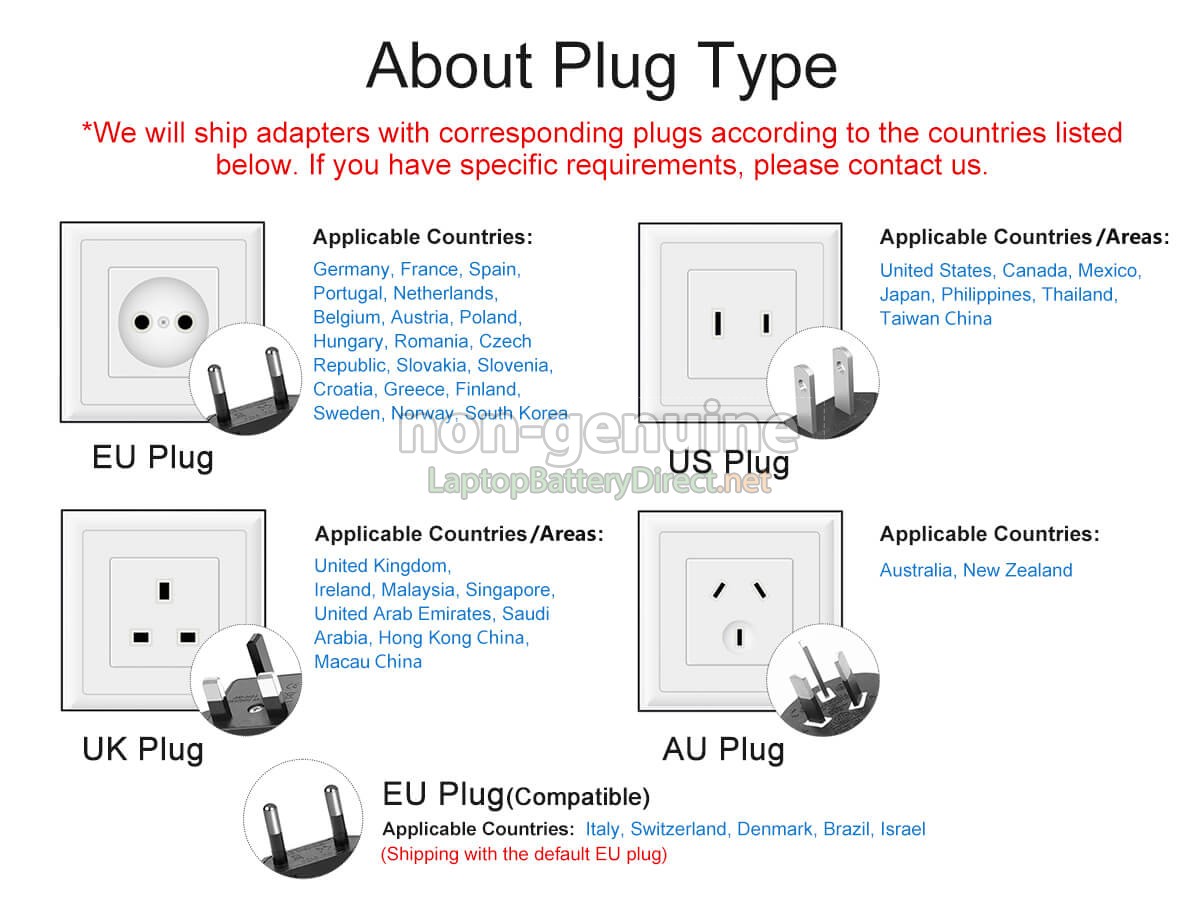
A: Yes, this adapter is compatible with international voltage standards (100-240V). However, you may need a plug adapter depending on the region.
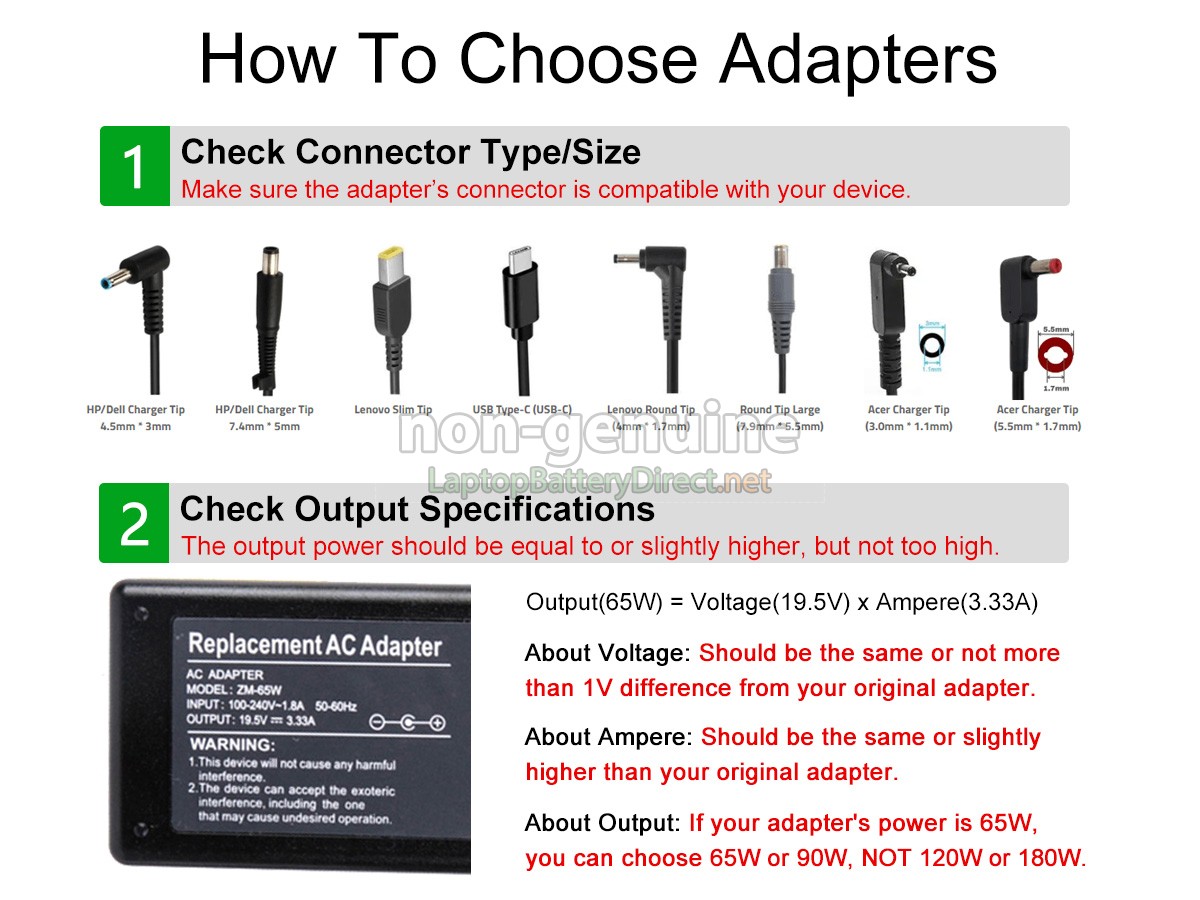
1Identify the original adapter specifications: First, you need to identify the specifications of the original adapter for your Laptop. Check its input voltage (AC voltage), output voltage, output current (or power), and interface shape (such as round DC, USB-C, etc.).
2Ensure voltage and current/power match: Choose an adapter with the same output voltage as the original adapter and a matching or slightly higher output current (or power). Please note that the voltage must be exactly the same as the original adapter, while a slightly higher current (or power) can provide better charging efficiency, but it should not be lower than the original specifications to ensure the safety of your Laptop.
3Verify interface compatibility: Make sure the interface type of the selected adapter is compatible with the charging port of your Laptop. The wrong interface type will not charge your Laptop.
Best Selling Adapters